Inquiry
Form loading...
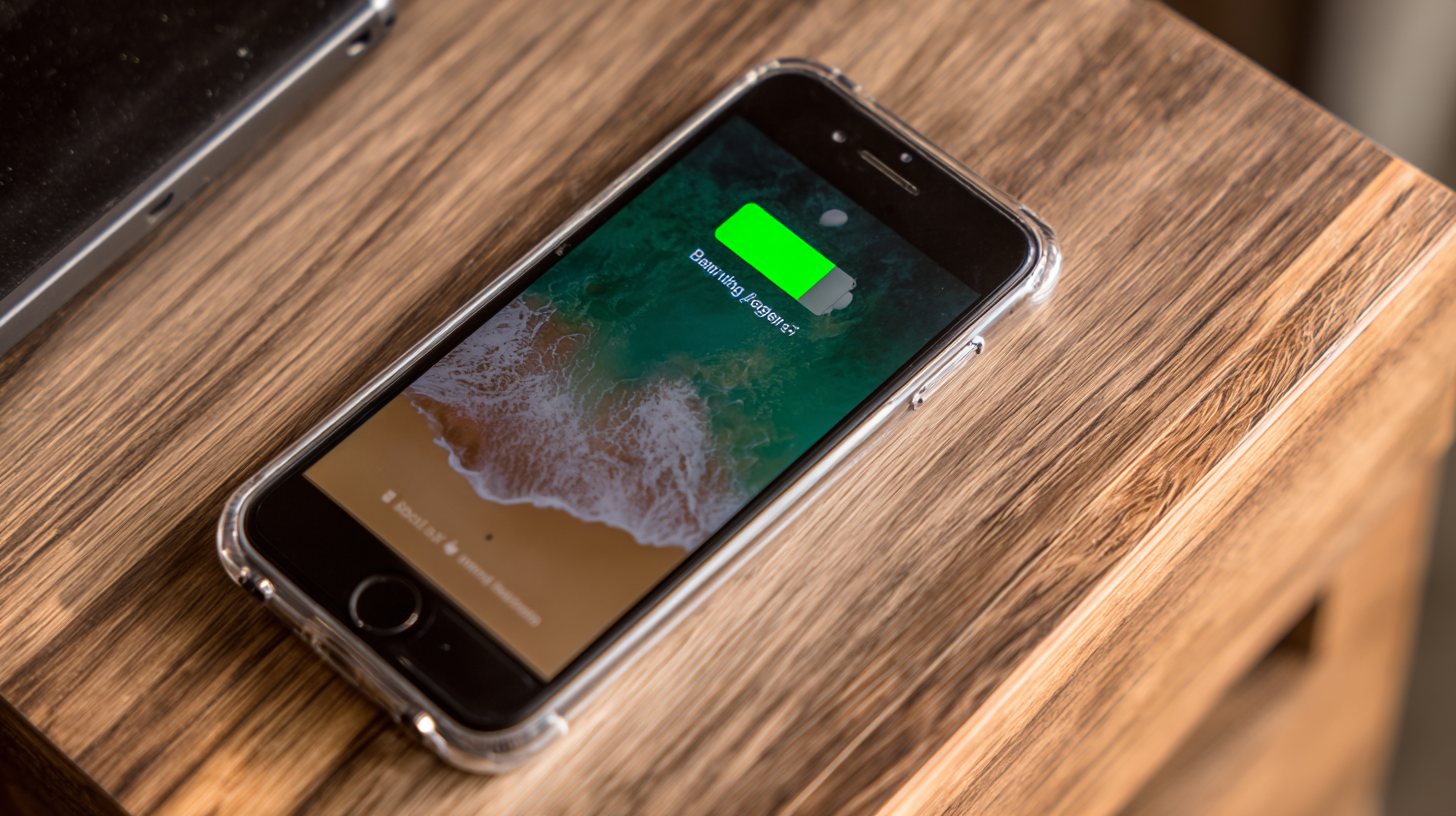
In the fast-changing world of tech, keeping an eye on your Battery Rate is more important than ever if you want your devices to perform at their best. As gadgets keep pushing for better energy efficiency, it's really useful to get a good grasp of how battery tech ties into overall performance. Industry reports suggest that the global market for lithium-ion batteries is expected to grow by about 13.5% each year, reaching around USD 129 billion by 2027. Companies like Shenzhen Jentc Technology Co., Ltd. have been leaders in high-performance lithium batteries since 2011. They focus on cool stuff like 4.4V high-voltage batteries and fast-charging solutions. By staying on top of the latest innovations and customizing Battery Setups, Jentc helps folks like you get the most out of your batteries, which means your devices last longer and work better overall.
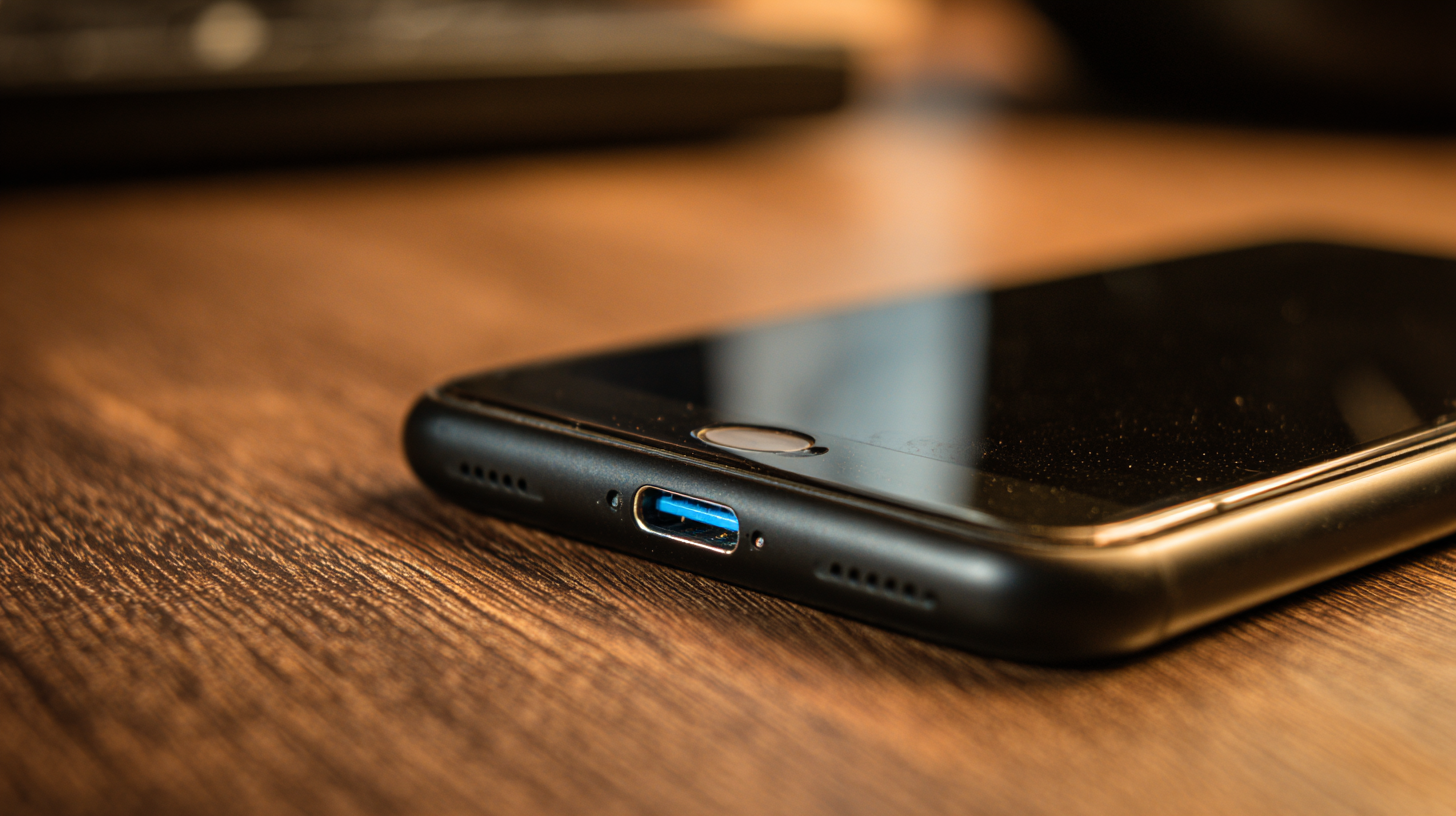
Getting to know your device’s battery specs and how much capacity it actually has is pretty important if you wanna get the most out of it. Every device kinda has its own Battery Size, and that really impacts how long you can use it and how well it performs. For example, there have been some cool upgrades in battery tech lately — like high-capacity lithium-manganese batteries that do great in discharging and stay cooler. These advancements help your gadgets run longer without overheating, making them more reliable across a bunch of different tech things.
On top of that, we’re seeing devices, especially smartphones and laptops, with much bigger batteries than before, which totally shifts what we expect from them. Rumors have it that new phone models might come with batteries around 7000mAh, so they’ll last a lot longer between charges. Even portable gaming consoles are getting a boost in battery size, so you can play longer without interruption. Knowing all this stuff about battery capabilities helps us pick the right gadgets that match our needs, rather than just guessing and ending up disappointed.
The JENTC LI-HV 12s 22000mAh 10C drone semi-solid state battery represents a pivotal advancement in drone technology, catering to the ever-growing demands for enhanced performance and efficiency in aerial applications. This high-performance custom lithium battery is engineered to deliver a substantial capacity of 22000mAh at a robust 44.4V, ensuring that drones can operate longer and more reliably even under the most challenging conditions.
In recent industry reports, the market for drone batteries is anticipated to expand significantly, driven by advancements in battery technology and the increasing utilization of drones in sectors like agriculture, delivery, and surveillance. According to a report by Fortune Business Insights, the global drone battery market was valued at approximately $1.02 billion in 2021 and is projected to grow at a compound annual growth rate (CAGR) of 26.0% from 2022 to 2029. The JENTC battery aligns perfectly with this trend by not only meeting but exceeding regulatory standards, having obtained certifications from RoHS, CE, and FCC. This ensures that users are investing in a product that adheres to high safety and environmental standards.
Additionally, the semi-solid state design of the JENTC battery enhances safety and performance, making it less prone to thermal runaway compared to conventional lithium-ion batteries. It is backed by a warranty ranging from 3 months to 1 year, providing users with peace of mind regarding durability and reliability. As drone technology continues to evolve, the JENTC LI-HV 12s 22000mAh 10C battery stands out as a game-changer, empowering operators to push the limits of what drones can achieve.
: Understanding battery specifications is crucial because different devices have varying battery capacities that directly influence their usage and efficiency. This knowledge helps consumers make informed choices about their devices to meet performance needs effectively.
Recent advancements include the development of high-capacity lithium-manganese batteries that excel in discharge performance and thermal management, allowing devices to maintain longer operational times while minimizing overheating.
To enhance battery longevity, users should avoid draining the battery below 20-30% before recharging and consider slow charging options whenever possible, as these practices reduce stress on the battery.
Charging habits significantly affect battery health; continuous charging and the fear of overcharging can lead to degradation over time. Implementing smarter charging strategies can improve battery longevity.
Screen brightness can account for up to 30% of battery consumption on modern smartphones. Lowering brightness and using shorter timeout periods can extend battery life significantly.
Utilizing auto-brightness features and adjusting settings such as refresh rates and resolution can optimize performance and conserve energy based on lighting conditions.
Recent leaks suggest that upcoming smartphone models are expected to feature batteries with capacities around 7000mAh, which would enhance their longevity and performance.
Adjusting display settings can lead to less frequent charging and prolong battery health, thereby enhancing the user experience, especially for high-performance lithium batteries.
To implement smart charging habits, recharge your device at around 20-30%, avoid letting it dip too low, and use slower charging options during extended usage to protect the battery from stress.
Charging overnight using slow charging options is recommended because it aligns with strategies that promote battery longevity by minimizing degradation.
Keeping your battery in check is pretty important if you want your device to run smoothly and last longer. A good starting point is getting a feel for your device’s battery specs and capacity — knowing this stuff helps you make smarter choices about how you use your phone or tablet. Take a moment to identify which apps or settings tend to drain your battery quickly, and try to adopt some smarter charging habits to help extend its life. Small tweaks like lowering screen brightness or shortening the timeout duration can make a surprising difference, helping you strike that balance between decent performance and saving power.
Also, don’t forget about features like battery saver modes — they can really cut down on energy use without stopping you from doing what you need to do. Regular upkeep, like keeping your software updated and checking your battery health every now and then, can also make a big difference. At Shenzhen Jentc Technology Co., Ltd., we offer high-performance lithium batteries—fast-charge ones and high-voltage options—that can support all these strategies, making sure you get the most out of your device’s battery life.
So yeah, a little attention and some simple habits can really go a long way in keeping your device alive and kicking longer!